In the rapidly evolving world of cryptocurrency, securing your digital assets begins with the login process. Exchanges are the primary gateway to buying, selling, and managing tokens, making them high-value targets for attackers. One of the most effective ways to fortify this entry point is to use a hardware key for exchange login. This method replaces vulnerable password-and-SMS combinations with FIDO2/WebAuthn-based authentication, providing cryptographic proof that you are who you claim to be. In this comprehensive guide, we’ll walk through everything you need to know about deploying a hardware key on platforms like BTCEX, why it matters for your security posture, and how to integrate it seamlessly into your trading routine. Whether you’re a casual trader or a seasoned DeFi participant, learning to use a hardware key for exchange login is a non-negotiable step toward safeguarding your funds against phishing, SIM-swapping, and credential stuffing attacks.
The concept of hardware-based authentication might seem technical at first, but the user experience has been streamlined by major browser and platform vendors. When you use a hardware key for exchange login, the key generates a unique cryptographic signature for each login attempt, which the exchange verifies against its servers. This means that even if an attacker steals your password, they cannot replicate the physical presence of your key. As we dive deeper, you’ll discover how to choose the right device, configure it across browsers, and manage recovery scenarios without compromising security.
Understanding Hardware Keys and Exchange Security
What Is a Hardware Security Key?
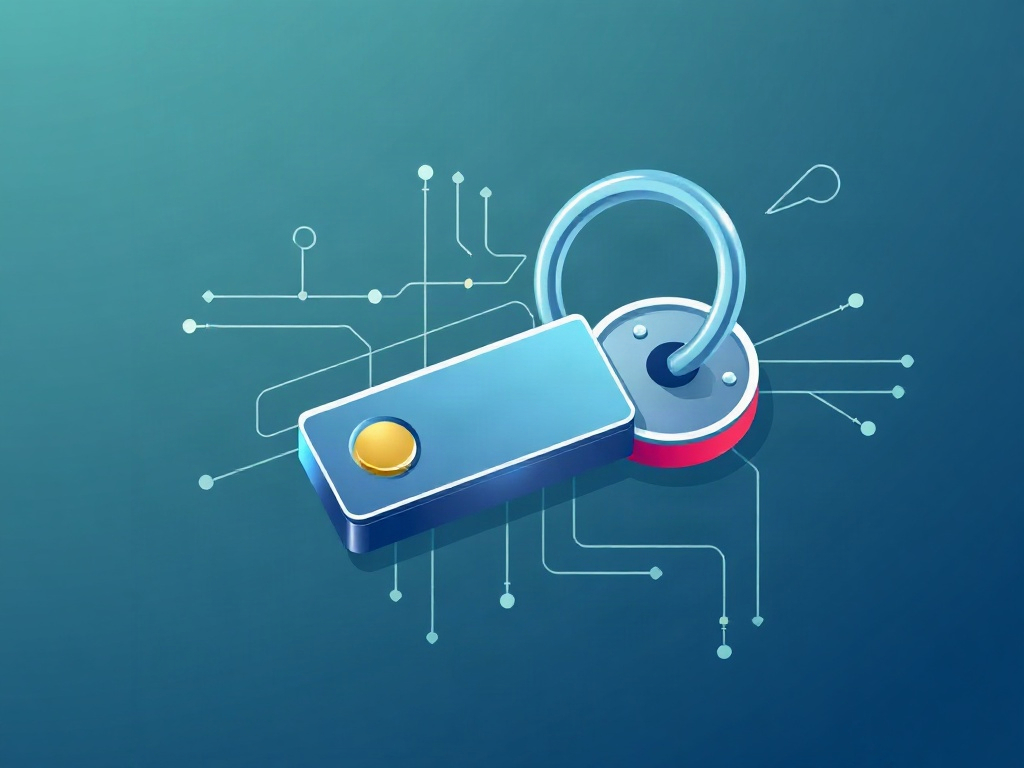
A hardware security key is a small physical device, often resembling a USB flash drive or a NFC-enabled fob, that implements the FIDO Alliance’s passwordless authentication standards. When you use a hardware key for exchange login, the device performs public-key cryptography behind the scenes. The key generates a private-private key pair; the private key never leaves the device, while the public key is registered with the exchange. During login, the exchange challenges your browser, which then prompts the key to sign a response. This challenge-response mechanism ensures that the authentication is bound to the specific exchange domain, rendering it useless against look-alike phishing sites.
Hardware keys come in various form factors, including USB-A, USB-C, Lightning for iOS, and NFC versions for mobile devices. Some advanced models feature biometric sensors like fingerprint readers, adding an extra layer of convenience without sacrificing the core security benefit. Regardless of the form factor, the underlying principle remains the same: by requiring something you have (the physical key) in addition to something you know (your password) or something you are (biometrics), you achieve multi-factor authentication that is phishing-resistant by design.
How Hardware Keys Differ from Traditional 2FA
Traditional two-factor authentication (2FA) typically relies on time-based one-time passwords (TOTP) generated by apps like Google Authenticator or Authy, or SMS codes sent to your mobile phone. While better than single-factor password protection, these methods are susceptible to man-in-the-middle attacks, social engineering, and SIM-swapping. When you use a hardware key for exchange login, you eliminate these vectors entirely. SMS codes can be intercepted; authenticator apps can be compromised if the device is infected with malware. Hardware keys, by contrast, rely on cryptographic protocols that are immune to remote interception.
Another key difference is the concept of "binding." FIDO2/WebAuthn authentication binds the credential to the exact domain of the relying party (in this case, the exchange). If you attempt to log into a fake BTCEX domain, the hardware key will refuse to sign, because the domain mismatch invalidates the cryptographic proof. This domain binding is the secret sauce that makes using a hardware key for exchange login so much safer than typing a six-digit code into a potentially fraudulent form.
Why You Should Use a Hardware Key for Exchange Login
The decision to use a hardware key for exchange login should be driven by a risk assessment of your trading habits and asset holdings. If you hold significant balances, frequently trade on multiple platforms, or value privacy and autonomy, the added security layer is invaluable. Exchange hacks, though less common than individual phishing incidents, can result in catastrophic losses. By adopting hardware key authentication, you reduce the attack surface to a level where brute-force and credential stuffing become effectively irrelevant.
Beyond the immediate protection of your account, using a hardware key for exchange login also future-proofs your security as the industry moves toward passwordless standards. Major browsers (Chrome, Edge, Firefox, Safari) now natively support WebAuthn, and an increasing number of exchanges and wallets are phasing out SMS-based 2FA in favor of FIDO2. Getting ahead of this curve ensures that your login method remains compatible with new features, such as decentralized identity verification and cross-platform asset management.
Moreover, the peace of mind that comes from knowing your account is protected by a physical device you control cannot be overstated. You no longer have to worry about losing access due to a lost phone, a corrupted authenticator app, or a compromised mobile carrier. The hardware key stays in your possession, and if it’s ever lost, recovery procedures (which we’ll cover in later sections) are designed to be both secure and user-friendly.
Step-by-Step Guide to Enabling Hardware Key Authentication
Enabling hardware key authentication on your exchange account is a straightforward process, but it requires attention to detail to ensure everything works smoothly. Below is a step-by-step walkthrough tailored for BTCEX, though the general principles apply to any FIDO2-compliant platform.
Selecting a FIDO2-Compliant Device
Before you can use a hardware key for exchange login, you need a compatible device. Look for keys that support FIDO2 and U2F standards, such as YubiKey, Feitian, or Thetis. Consider your preferred connection type: USB-A is universal for desktop computers, USB-C is becoming the standard for newer laptops and phones, and NFC enables tap-to-login on mobile devices. If you trade across multiple platforms (desktop and mobile), you might opt for a multi-interface key or carry two form factors.
It’s also worth considering the key’s durability and additional features. Some keys offer encrypted storage for passwords or cryptocurrency seed phrases, though you should be cautious about storing sensitive data on a device that could be lost. For the primary purpose of exchange login, a simple FIDO2 key with NFC and USB capabilities provides the best balance of security, convenience, and cost.
Registering the Key with BTCEX
Once you have your hardware key, the registration process begins by logging into your BTCEX account via a supported browser (Chrome, Edge, or Firefox are recommended). Navigate to the security or two-factor authentication settings, and look for an option labeled "Hardware Key," "Security Key," or "FIDO2 Login." Selecting this will prompt the browser to begin the registration flow.
The browser will display a prompt to insert your key and either press the physical button or, if using NFC, tap the key against your device’s sensor. Upon successful registration, BTCEX will assign a unique credential ID to your key and store the public key on its servers. You’ll typically be asked to give the key a recognizable name, such as "Primary Key" or "Mobile NFC Key," to help you manage multiple credentials if you

Why Every Exchange Should use a hardware key for exchange login to Safeguard User Funds
As Sarah Mitchell, Blockchain Research Director with nearly a decade of experience in distributed ledger technology, I've witnessed the evolution of exchange security from basic password protocols to multi-layered authentication frameworks. The rise of sophisticated phishing attacks and credential stuffing campaigns has made it clear that traditional login methods are no longer sufficient for platforms handling significant user assets. In this landscape, the deliberate choice to use a hardware key for exchange login represents a fundamental shift toward zero-trust security models that prioritize cryptographic possession over memorized secrets.
From a practical standpoint, hardware-based authentication—such as FIDO2-compliant security keys or dedicated blockchain wallets—eliminates the attack surface associated with compromised passwords and SIM-swapping vulnerabilities. For exchange operators, integrating these solutions often involves API-level support for WebAuthn, user education on proper key storage, and phased rollout strategies that balance security enhancements with user accessibility. The operational overhead is modest compared to the potential financial and reputational damage of a large-scale account breach, making the investment both strategically sound and technically feasible.
Looking ahead, I recommend that exchange platforms treat hardware key adoption not as an optional feature but as a core component of their security architecture. By aligning with industry standards and providing clear onboarding guides, exchanges can foster user trust while setting a new benchmark for resilience against emerging threats. The transition to use a hardware key for exchange login is not merely a technical upgrade; it is a strategic imperative for any platform committed to long-term sustainability in the decentralized economy.